 ReelMorph
Trending Effects
AI Video Trends. Make them your own.
Explore four AI video effects, from meme performances to music scenes and cinematic stories. Choose an effect, prepare your photos, and make the scene your own.
4 effects
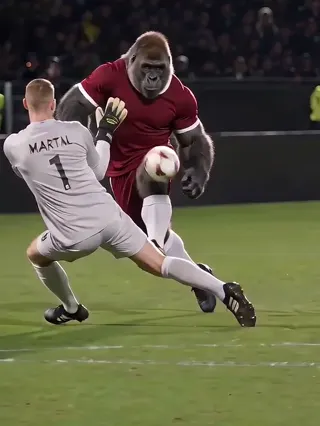
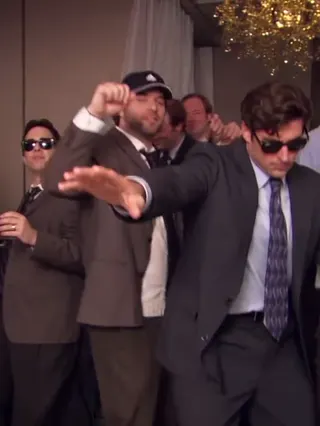
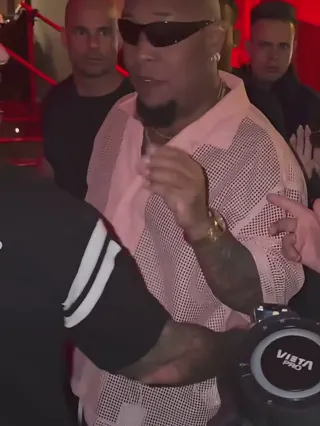
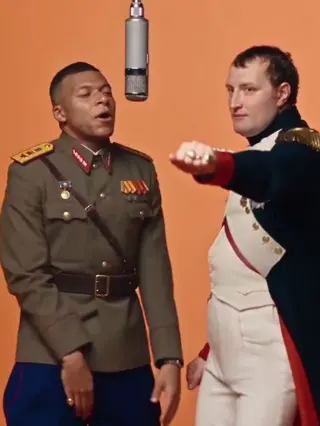
AI Video Trends
Your next trend, explained.
Choose a style, check the example and prepare the photos required for that effect. Only use photos you have permission to animate.
What is an AI video trend?
An AI video trend is a recognizable visual idea, dance or scene recreated with AI. A template prepares the creative direction so you can focus on your photo. Results vary, and popularity is never guaranteed.
How do I choose an effect?
Browse by category or search for a style. Open Bulin 47 AI Trend for a guided performance, or use the photo to video creator to describe your own idea. Check the photo guidance and credit cost before generating.
What kind of photo should I upload?
Bulin 47 AI Trend, Burning Bridges AI Trend and Ozil AI Goal use one photo each. Hotel Lobby AI Trend uses two individual photos. Use clear, well-lit images with an unobstructed face or character and follow each effect’s framing guidance. Each JPG, PNG or WebP can be up to 10 MB; only upload images you own or have permission to animate.
How many credits will a video use?
The generator shows the cost before you start. It depends on the model, resolution, duration and any reference-video input. See Pricing for the current table. Confirmed generation failures return credits automatically.