 ReelMorph
YOUR PHOTO. A WHOLE NEW SCENE.
Photo to Video
AI Generator
Turn a portrait, pet or travel photo into a moving scene. Add your own motion prompt or choose an AI video effect, then check the credit cost before you generate.
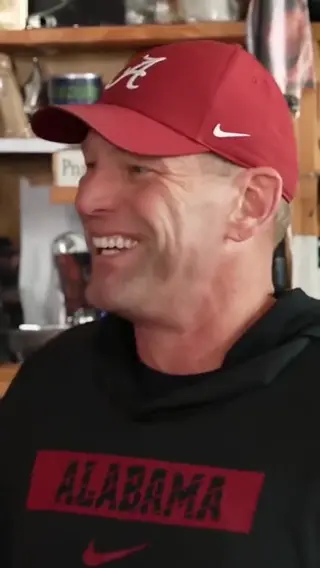
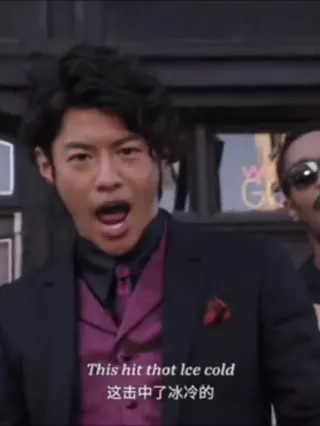
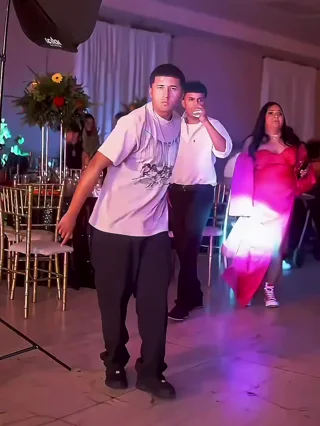
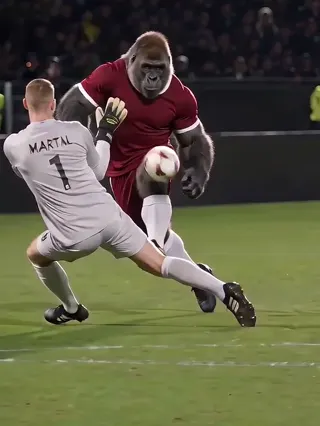
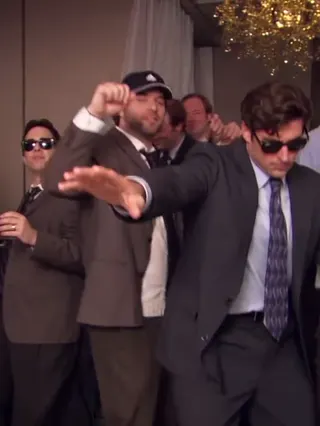
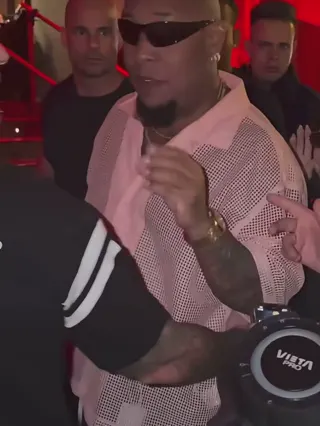
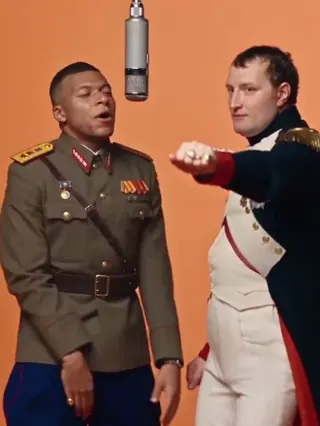
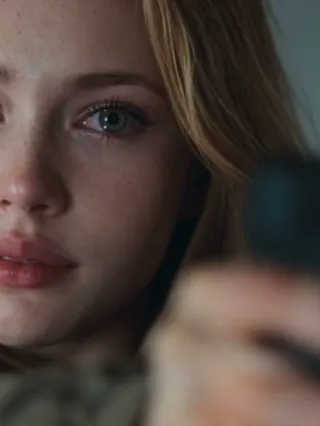
PHOTO TO VIDEO AI GENERATOR
Animate a photo online with your own ideas.
Use ReelMorph’s image to video AI to bring a still picture to life in your browser. Upload a photo, describe the action and camera movement, and choose a model and video format. Generation uses paid credits, with the cost shown before you start.
Create AI VideoSIMPLE BY DESIGN
How to convert a photo to video with AI.
Upload your photo
Upload a clear JPG, PNG or WebP up to 10 MB. Choose a portrait, pet or scene you have permission to animate, with the main subject clearly visible.
Choose your direction
Describe the action and camera movement, then choose a model, duration and aspect ratio. For a prepared performance or story, open the matching AI video effect instead.
Generate & share
Check the credit cost and generate. Watch the finished clip, review faces and motion, then download it while the result link is available.
What can you make with photo to video AI?
Turn one still image into a short moving story for pets, memories or products. These practical photo to video AI examples show how a focused motion prompt can preserve the subject while adding movement that fits social posts, keepsakes and product marketing.
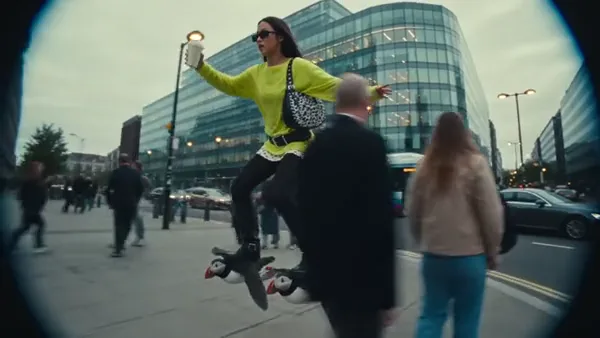
01
Turn pet photos into lively videos
Use pet photo to video AI to animate a favorite dog, cat or other companion from one clear image. Describe a small action such as a tail wag, head tilt or blink, and keep the fur, markings and background recognizable. It works well for social posts, birthday memories and personal keepsakes. Review the eyes, paws, ears and coat pattern before sharing.
Create a pet photo video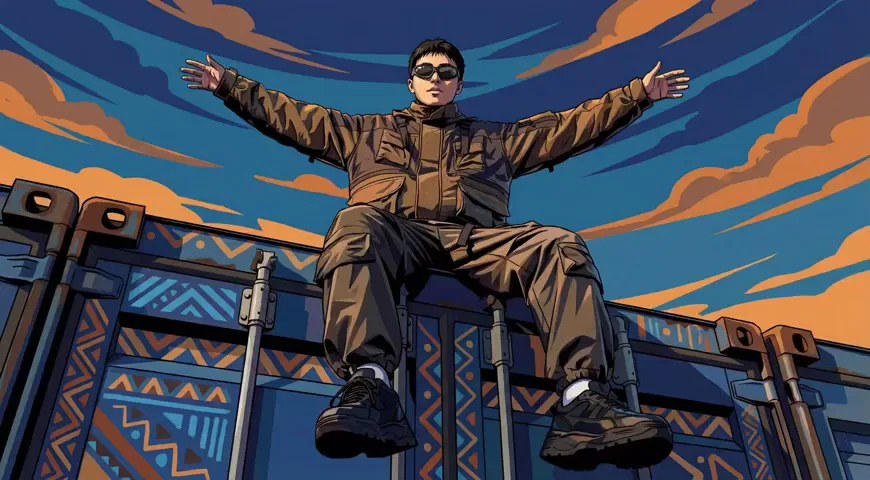
02
Bring old photos to life
An old photo to video workflow can add restrained movement to family portraits, wedding pictures and historical snapshots. Ask for a gentle blink, natural breathing or a slow camera push instead of complex motion. Start with a clear scan, then review faces, hands, clothing and period details so the animation does not rewrite the memory.
Animate an old photo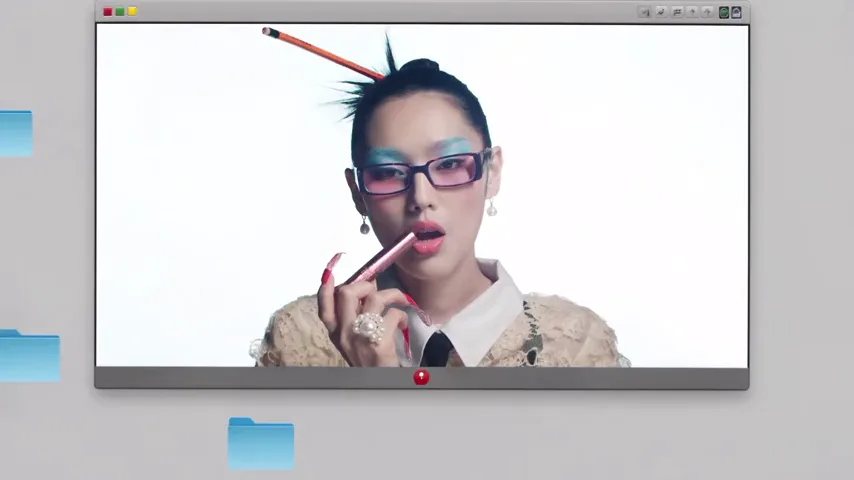
03
Turn product images into marketing videos
Use product image to video AI to turn a clean packshot into a short ecommerce, social ad or launch clip. Describe one camera move, light sweep or controlled product rotation, keep labels and packaging legible, and choose framing for the channel where you will publish. Check logos, text, geometry and color before using the result in a campaign.
Create a product videoBefore sharing a photo to video AI result, watch it at normal speed and pause on faces, hands and important objects. Pick a vertical, landscape or square frame for where you plan to use it. Download the finished clip while its link is available, use music you have permission to share, and make clear that the scene was generated with AI.
WHY REELMORPH
Why choose ReelMorph for photo to video AI?
AI video effect templates
Choose a prepared performance or story with its own example, photo guidance and scene direction, then remake it with your images.
Multiple AI video models
Choose Seedance 2.0 or MiniMax H3 based on the motion, resolution and visual style you want for the clip.
Professional-quality output
Select supported resolutions from 480p and 720p to native 768P and 2K, with vertical, landscape or square framing.
Custom motion prompts
Describe the subject's movement, camera behavior, mood and details to preserve instead of being limited to a preset scene.
Credits when you need them
Buy a one-time credit pack with no subscription. See the live credit cost for your model, resolution and duration before submitting.
Credits returned after failures
When the system confirms that generation failed, the credits deducted for that attempt are returned automatically.
Pricing
Photo to video AI pricing
Choose a one-time credit pack for your next video. No subscription. See the exact credit cost before every generation.
Starter
A small start for your next idea.
$9.90
USD · one-time pack
100 credits
$0.099 per credit
- No subscription, one-time payment
- Credits valid for 365 days
- Credits returned automatically on failure
- Cost shown before generation, transparent pricing
Creator
RecommendedRoom to explore a few different directions.
$19.90
USD · one-time pack
220 credits
$0.090 per credit
- No subscription, one-time payment
- Credits valid for 365 days
- Credits returned automatically on failure
- Cost shown before generation, transparent pricing
Studio
Our best credit value for regular creators.
$29.90
USD · one-time pack
360 credits
$0.083 per credit
- No subscription, one-time payment
- Credits valid for 365 days
- Credits returned automatically on failure
- Cost shown before generation, transparent pricing
You'll be redirected to secure checkout. Credits are added after payment confirmation.
Photo to video AI FAQs
What is photo to video AI? Is it the same as image to video AI?
Both describe generating motion from a still image. Your photo supplies the starting scene, while a text prompt or preset effect guides the action. ReelMorph generates a short moving clip from that input. Faces, objects and backgrounds can change, so review the completed video before sharing.
How do I convert a photo to video with AI?
Open the creator, sign in and upload one photo. Describe the movement you want, choose a model, duration, resolution and aspect ratio, then review the credit cost. Generate your clip, preview the result and download it. You can also choose a preset effect with its own photo instructions.
How do I write an image to video AI prompt?
Describe one main action and one camera movement. For example: “The person smiles gently as the camera slowly moves closer; keep the background still.” Add the mood or lighting if it matters. The custom creator requires a prompt of up to 2,000 characters. Avoid several conflicting actions in one short clip.
Which photos work well for AI video generation?
Use a sharp image with a clearly visible subject and space around the face or body. Portraits, pets and travel scenes can provide starting points. Upload JPG, PNG or WebP files up to 10 MB each, and only use photos you have permission to animate. Heavy blur or covered faces can make results harder to control.
Can I turn multiple photos into a video with AI?
The custom generator starts from one image. Most prepared effects also use one photo; Hotel Lobby uses two separate photos to create a duet. Follow the upload order shown on each effect page. These photos guide one generated scene; the tool does not assemble a batch of photos into a slideshow.
How do I choose the best photo to video AI model for my idea?
Compare the movement you need, output resolution, clip length and quoted credit cost. ReelMorph offers Seedance 2.0 and MiniMax H3 for custom videos. Use a short clip to assess faces and motion before spending more credits on another generation. No model guarantees an exact likeness or perfect movement.
What video lengths, resolutions and formats can I choose?
Seedance 2.0 supports 5–15 seconds at 480p or 720p, and MiniMax H3 supports 5–15 seconds at native 768P or 2K. Custom videos offer 9:16, 16:9 and 1:1. Preset effects have their own duration limits, shown on each page.
Is ReelMorph a photo to video AI app for phones?
ReelMorph is a web app you can use in a phone or desktop browser. You do not need to install an editor. Sign in to upload photos, generate videos and access your recent work. Use the same account across devices to open your saved tasks, and download finished videos while their links are available.
How much does photo to video AI generation cost?
ReelMorph uses paid credits purchased in one-time packs, with no subscription required. Each video’s cost depends on its model, resolution, duration and effect options. The generator shows the quote before you submit. A confirmed generation failure returns the credits for that attempt. Check the pricing page for current packs.
Can I download videos for TikTok, Instagram Reels or YouTube Shorts?
Yes. Preview and download completed videos while the result link is available. Choose 9:16 for vertical posts, or use landscape and square formats where appropriate. Check faces, hands and movement before publishing, and use photos and audio you have rights to share. Results are not permanently archived, so keep your own copy.
Which AI video effects can I create from a photo?
Choose Bulin 47 for a solo street performance, Burning Bridges for a party scene, Hotel Lobby for a two-person performance, or Ozil AI Goal for a football sequence. Each page explains its photo inputs and settings. Use the custom creator when you want to write your own scene and motion prompt.
Turn your photo into an AI video.
Upload a picture, describe the movement and choose your settings. Review the credit cost before generating.
Create AI Video